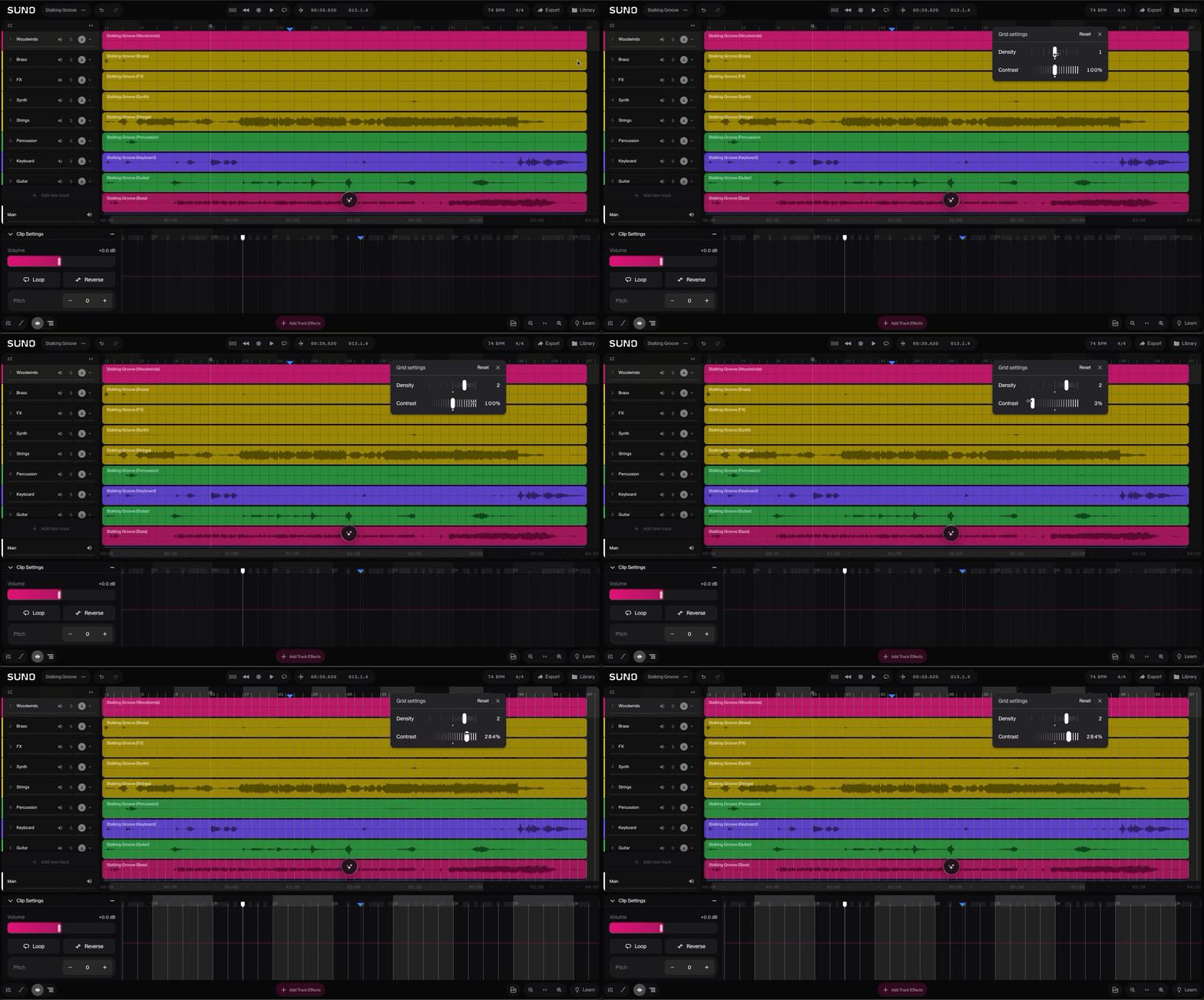
Adjust grid density and contrast
Edited
Tailor the timing grid to your project with new controls for grid density and contrast.
Adjust the grid
Right-click the ruler at the top of the timeline.
Use the grid controls:
Density: Sets how many grid lines you see. More lines help with detailed edits; fewer keep a big arrangement readable.
Contrast: Sets how visible the grid lines are against your clips.