
Fine-tune a clip's pitch
Edited
Tune clips by semitones and cents for tighter control, which is handy for dialing in the tuning of recorded audio.
How pitch values work
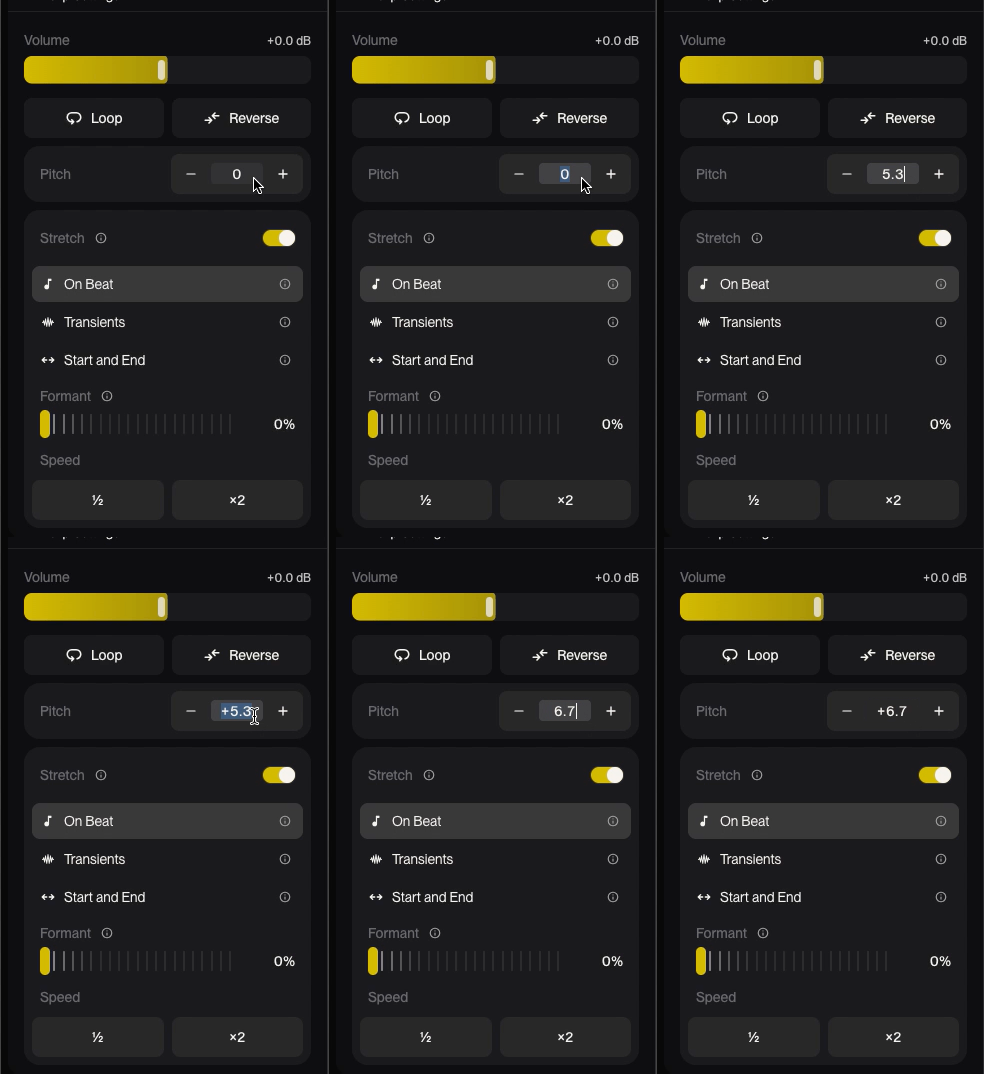
Enter a pitch value as semitones.cents. The number before the decimal is semitones; the two digits after it are cents (1 semitone = 100 cents).
You enter | Result |
|---|---|
2 | Up 2 semitones |
2.38 | Up 2 semitones and 38 cents |
0.15 | Up 15 cents |
[placeholder: e.g. -1.50] | [placeholder: confirm negative values lower pitch] |
Change a clip's pitch
Double-click the clip to open the Clip Settings sidebar.
In Pitch, enter your value (for example, 2.38).
Confirm with Enter