
Auto-stretch added audio to your project tempo
Edited
A new setting lets you choose whether audio you add from your library or upload gets time-stretched to match your project tempo automatically.
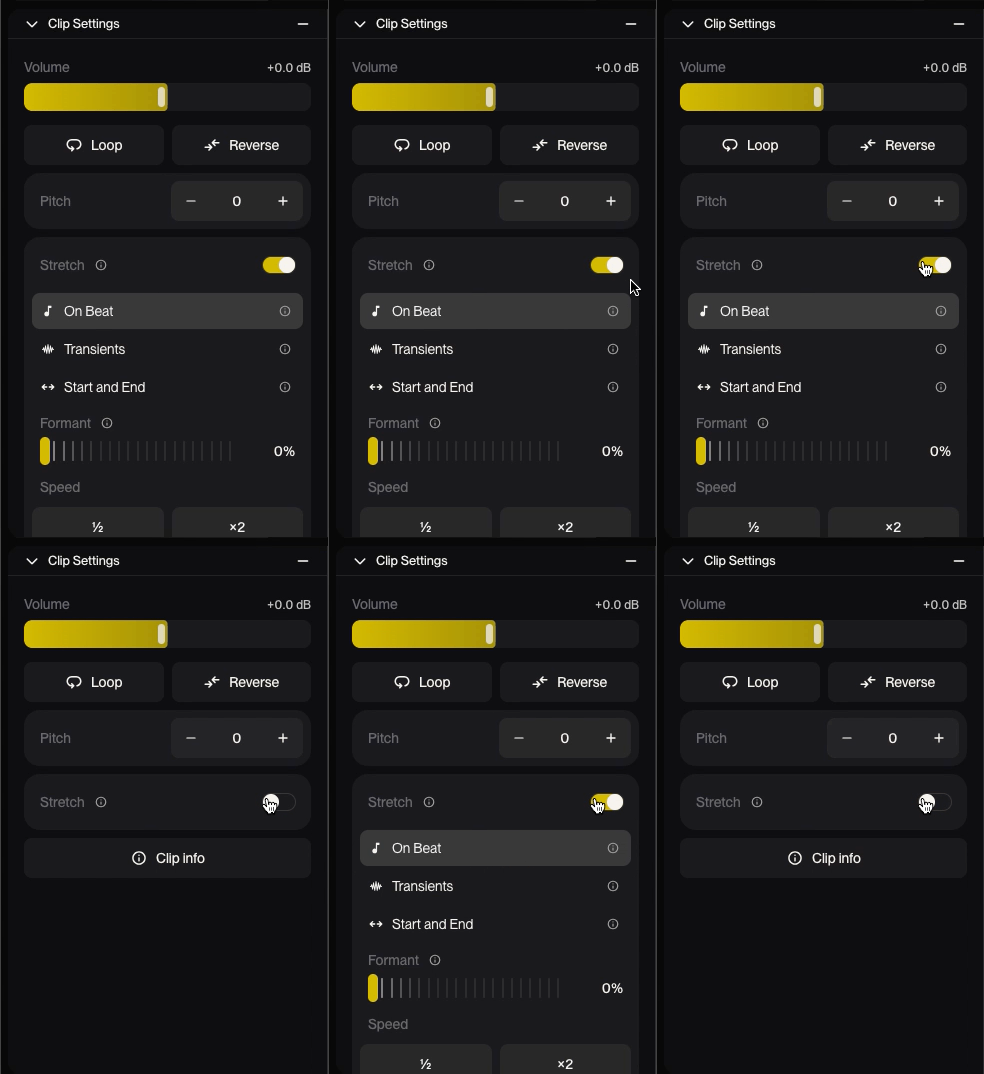
Turn auto-stretch on or off
Stretch can be enabled or disabled in the Clip Settings
What gets stretched
Auto-stretch applies to audio you bring into a project:
Clips added from your library.
Files you upload.
What keeps its original timing
Clips without a steady beat. Audio like ambient textures, free-time vocals or spoken word isn't stretched, so it won't get warped.
Groups of stems uploaded together. Stems you upload at the same time keep their original timing, so they stay locked to each other.
Generated clips. Clips created in Studio aren't affected by this setting.