
View lyrics, style tags and stems in Clip Info
Edited
The Clip Info panel gathers a clip's lyrics, style tags, and stem separation in one place.
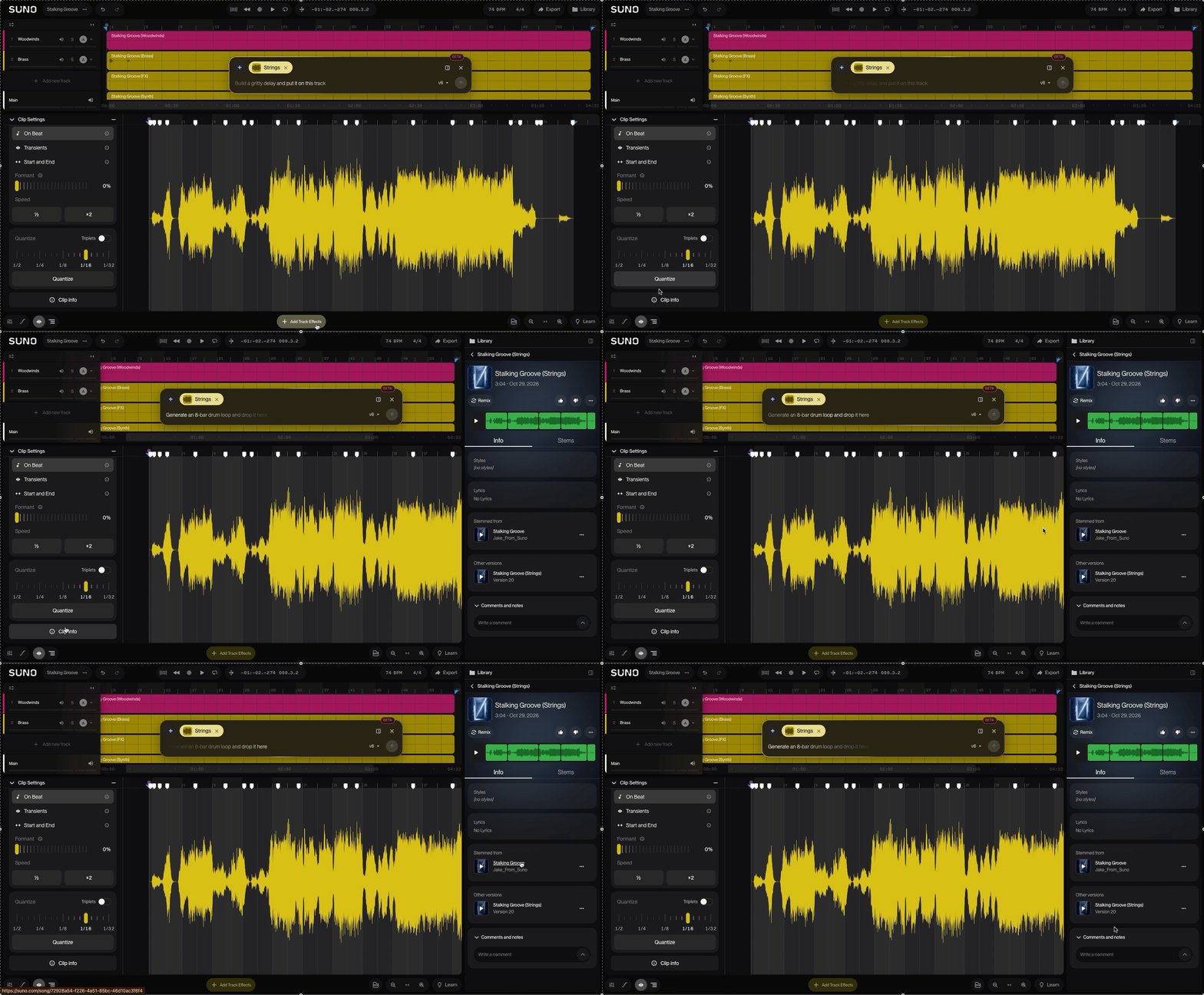
Open Clip Info
You can get there two ways:
Right-click an audio clip and choose Clip Info.
Double-click a clip to open Clip Settings, then click the Clip Info button at the bottom of the sidebar.
What's in Clip Info
Lyrics: The lyrics attached to the clip.
Style tags: The styles used for the clip.
Stem separation: Split the clip into stems (individual parts like vocals, drums and bass).