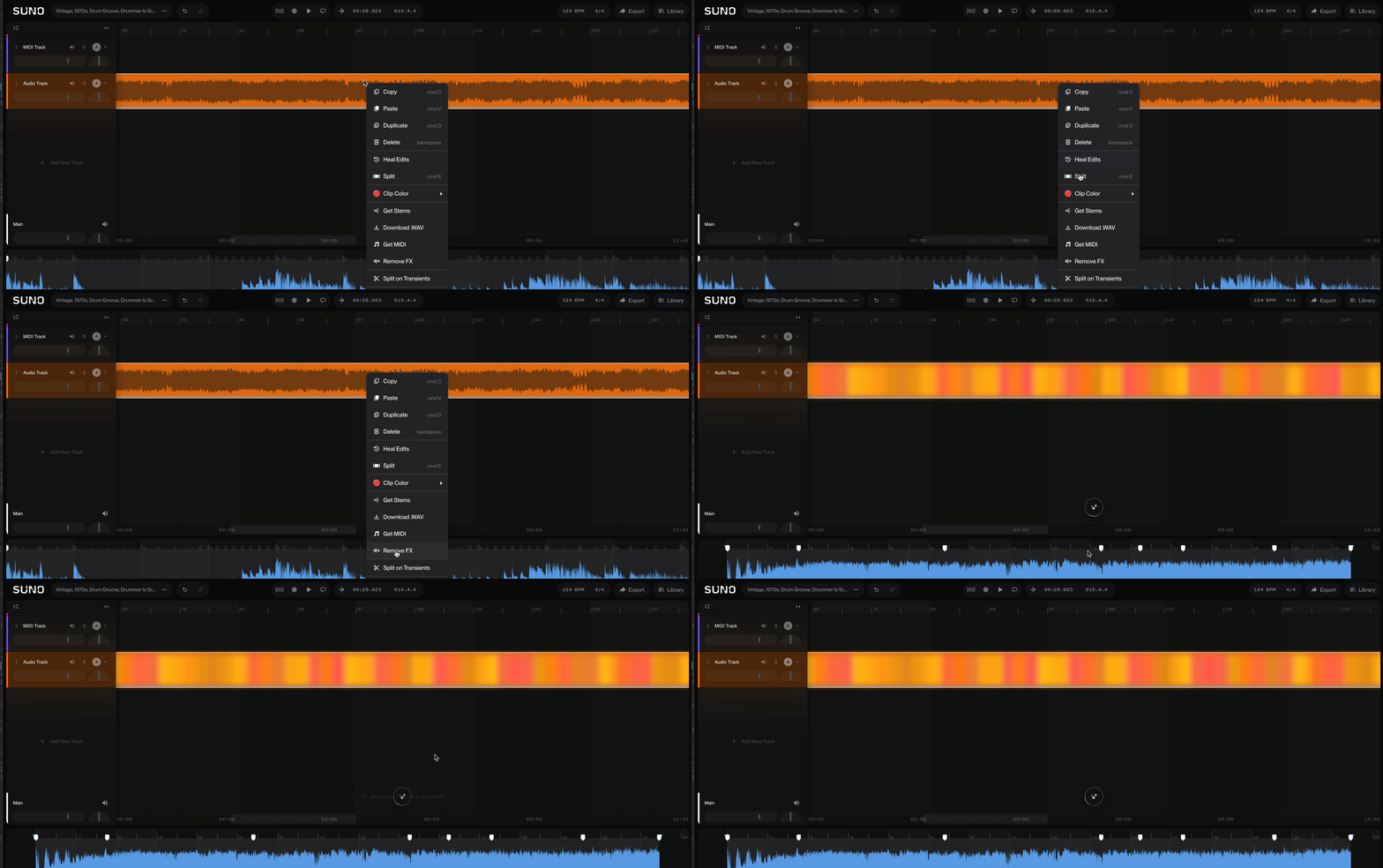
Remove FX (Get Dry) in Studio
Edited
Remove FX gives you the dry version of a sound. It uses AI to strip out reverb, delay and other effects baked into the audio, which makes it perfect for cleaning up a sound before you shape it with your own effects.
How to use it
Right-click the header of the audio clip you want to remove fx from.
Choose Remove FX from the dropdown menu.
The dry version lands as a new take lane and auto-auditions in place. Commit it if you like what you hear.