
The Wavetable Synth in Studio
Wavetable is Studio's flagship instrument. It generates sound by moving through a table of single-cycle waveforms, and that one technique covers a huge range of territory. Deep basses, cutting leads, lush pads, tight plucks and slowly evolving textures all come out of the same engine.
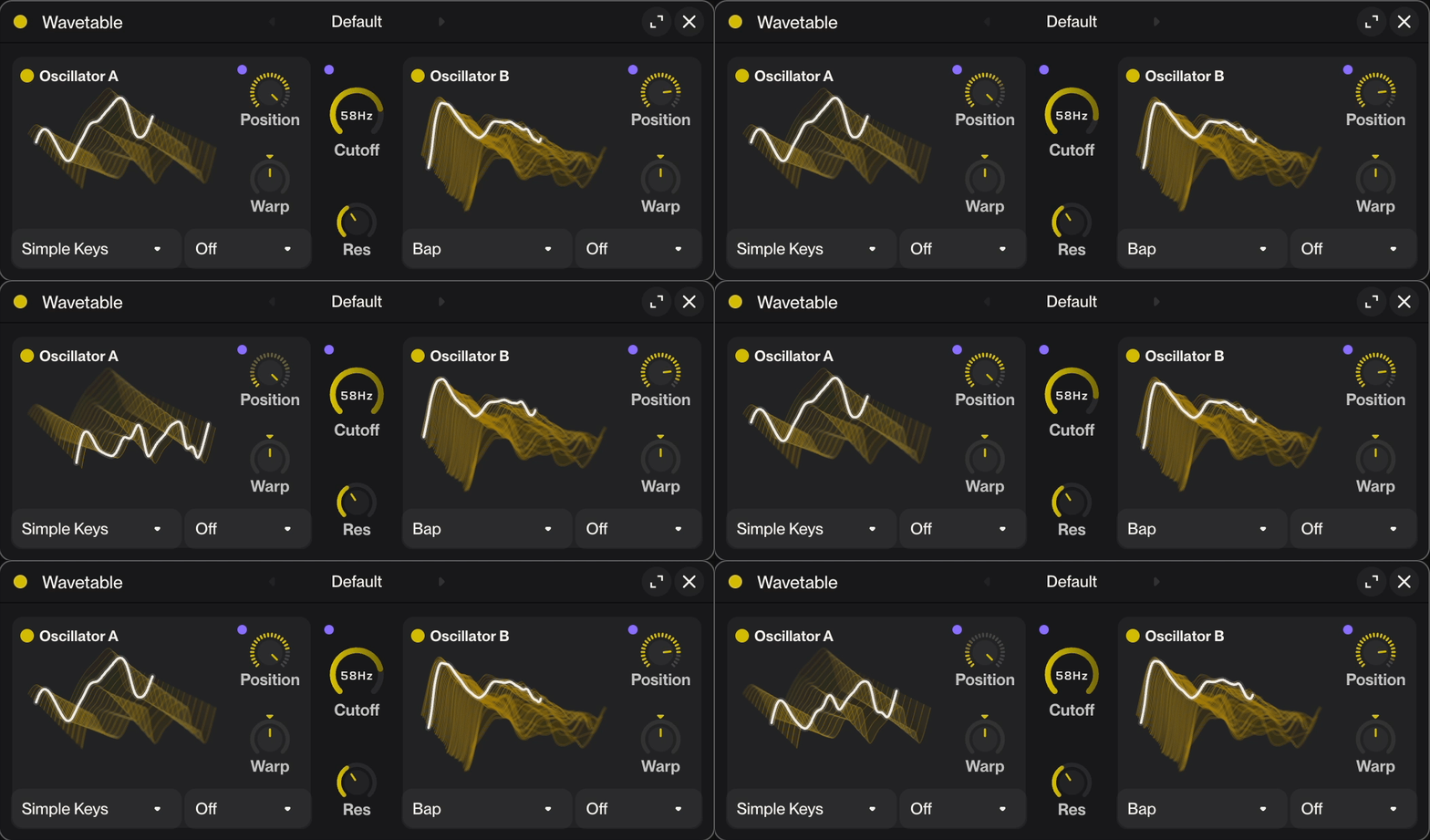
The Wavetable synth can be set up and controlled manually, and you can even map parameters to physical controls on an external USB/MIDI keyboard. However, thanks to Suno Studio’s chat bar, you can also prompt synth settings without touching the knobs.
To do this, create a MIDI track, select the track header and open the chat bar (tip: press the Enter key). Then use natural language to describe the kind of instrument you want to create. Like “create a glassy synth pad that evolves into a wobble.”
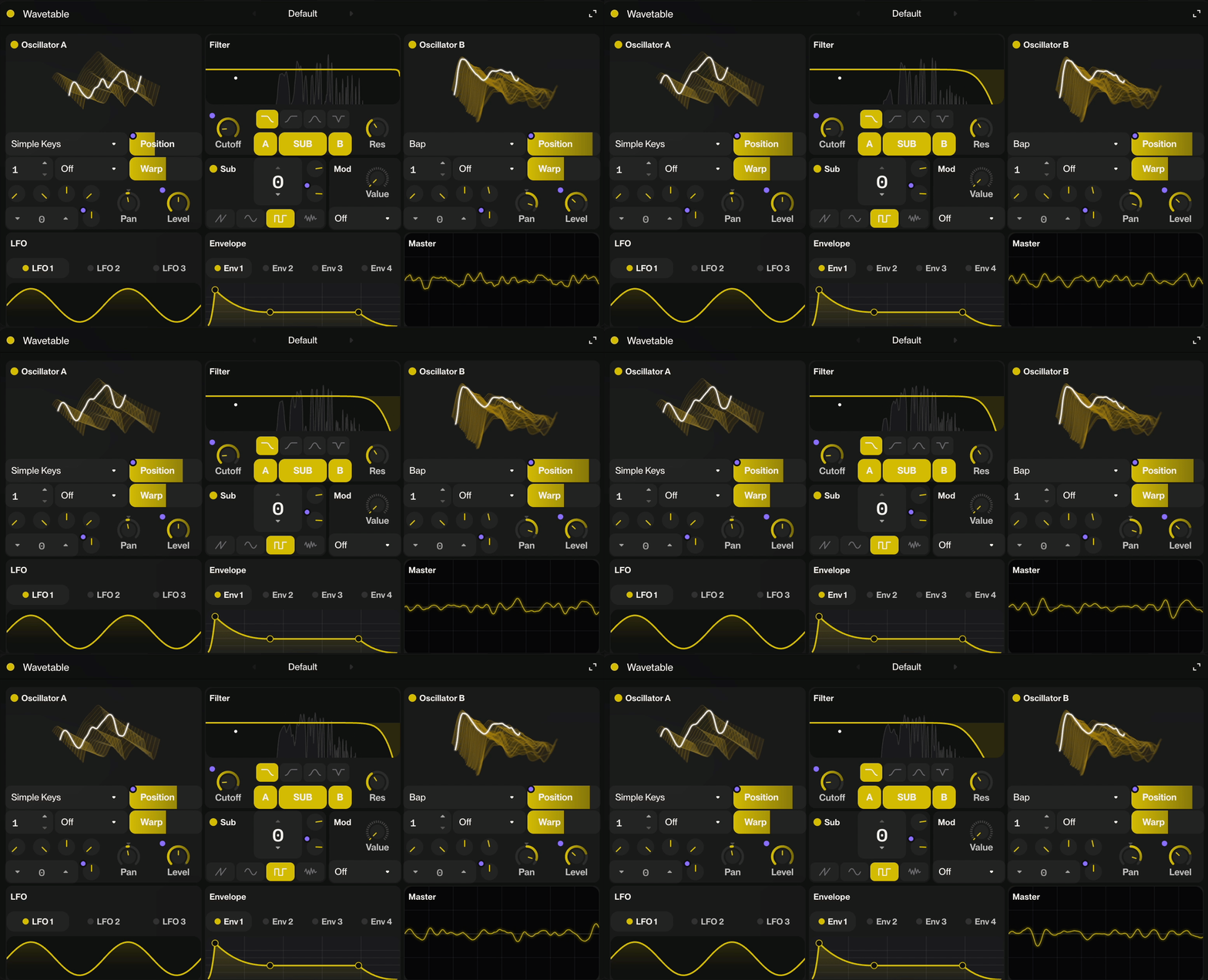
Under the hood, Wavetable gives you:
Oscillators
Oscillator 1 & 2: Each plays back a wavetable (a collection of single-cycle waveforms); you can scan through the table to morph the timbre continuously.
Warp: Per-oscillator warp mode that distorts the playback position within the wavetable, adding extra harmonic content and movement.
Unison: Stacks multiple detuned voices per oscillator to thicken and widen the sound.
Spread: Controls the stereo width of the unison voices — wider spread = bigger, more spatial sound.
Sub Oscillator
Sub Osc: A dedicated low-frequency sine (or square) oscillator one octave below Osc 1, great for adding weight and punch to basses and leads without muddying the midrange.
Filter
Multimode Filter: Switchable filter type (low-pass, high-pass, band-pass, notch, etc.) that shapes the harmonic content of the oscillator mix.
Cutoff: Sets the frequency at which the filter starts attenuating; sweeping it is the classic synth "opening up" sound.
Resonance: Boosts frequencies around the cutoff point; at high values it can self-oscillate into a sine-wave tone.
Envelopes (×4)
Amp Envelope: Controls the volume shape over time: Attack, Decay, Sustain, Release — how the note blooms and fades.
Filter Envelope: Modulates the filter cutoff over time, for plucks, stabs, and sweeping timbral movement.
Pitch/Aux Envelopes: Two additional envelopes freely assignable via the mod matrix to any parameter (pitch, warp, LFO rate, etc.).
LFOs (×3)
LFO 1–3: Low Frequency Oscillators with selectable shapes (sine, triangle, square, saw, random); they cycle slowly to create vibrato, tremolo, filter wobble, or any rhythmic modulation. Can be tempo-synced.
Modulation Matrix
Mod Matrix: A flexible routing grid where any source (envelope, LFO, velocity, mod wheel, etc.) can be connected to any destination parameter with a scalable amount — the heart of the synth's expressiveness and movement.
Global / Voice
Polyphony / Mono mode — Sets whether the synth plays chords or is monophonic (one note at a time), with legato/glide options for smooth pitch slides between notes.
Glide (Portamento) — Slides pitch smoothly from one note to the next; essential for bass lines and leads.
Octave / Semitone / Fine Tune — Per-oscillator pitch controls for transposing or detuning relative to each other.
Presets
Factory presets: Spanning 808-style basses, Reese basses, acid lines, pads, plucks, retro game sounds, and more — a good starting point for any of the above.
How to use it
Create a MIDI track (Shift+T, then choose MIDI or press M). Wavetable loads on the track automatically.
Click the Wavetable device at the bottom left to open its compact controls. To open the full editor, click Resize in the upper right or double click the device header.
Pick a starting point from the preset dropdown, then start tweaking. Every knob responds in real time while you play.
Play notes however you like: the typing keyboard (Cmd+K), the chord pads or a connected MIDI controller.
Hearing something in your head you can't dial in by hand? Describe it to the chat, for example "make this synth into a gritty organ bass with smooth chorus", and the Studio Agent will build the patch for you.
FAQs
How do I prompt my own synth sounds? Select the track, then open the chat bar (hit Return). Use natural language to describe what you want. Try this as starting point: “create a synth preset for a subby bass that wobbles more the longer you press the key.”
Do I need to know synthesis to use Wavetable? No. Start with a factory preset and play. Or prompt your ow sounds. There’s no limit to the number of sounds you can make. The editor is there whenever you want to go deeper.
Can I automate Wavetable's parameters? Yes! Open the automation view for your MIDI track, then select the parameter you want to automate by right clicking on it and selecting ‘Automate’. Use the draw tool to paint your curve across the timeline — the lane will control that parameter in real time during playback.
Can I save my own presets? Yep! Just click the preset name and select “save preset” at the very top of the dropdown menu. Presets get saved to your account so you can use them across your Studio projects.
Can I load my own wavetables? Not only can you upload your own Wavetables, you can also select audio on the timeline to capture it as a playable wavetable! To do this, select the wave type in the desired oscillator, then select upload to upload your own wavetables, or select new to capture a wavetable from the timeline.