
My Taste
Now available for all Suno users, My Taste learns about what you're enjoying on Suno, and helps provide a more personalized experience based around your favorite genres, moods, etc. As you create, you can use MyTaste to dial in more personalized generations. Here’s how it works:
In the Styles section in Create, you’ll want to start off with some styles you’re going for in your song. Once you get those in, simply click on the magic wand at the top far right of the Styles box to see a detailed and personalized Style description magically appear.
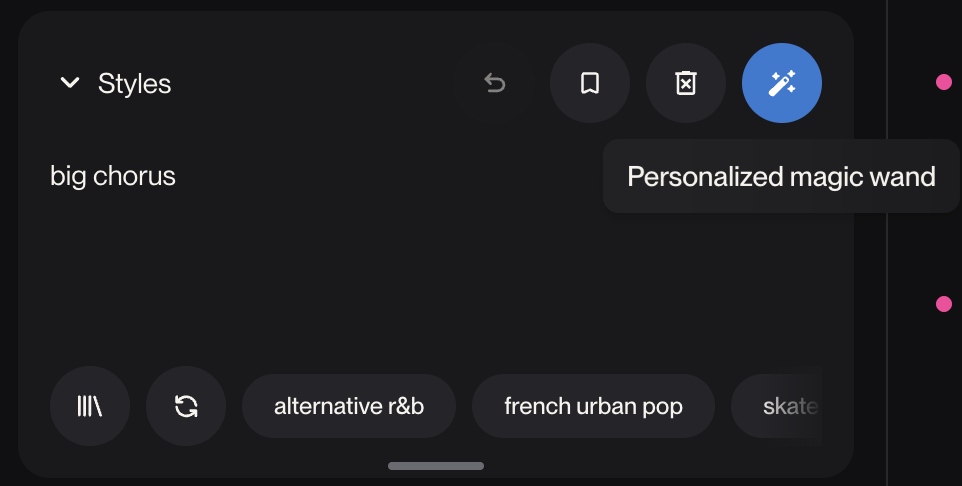
Personalization: With Style Augmentation enabled, any time you use the Magic Wand, the resulting style input will reflect your listening and creation habits.
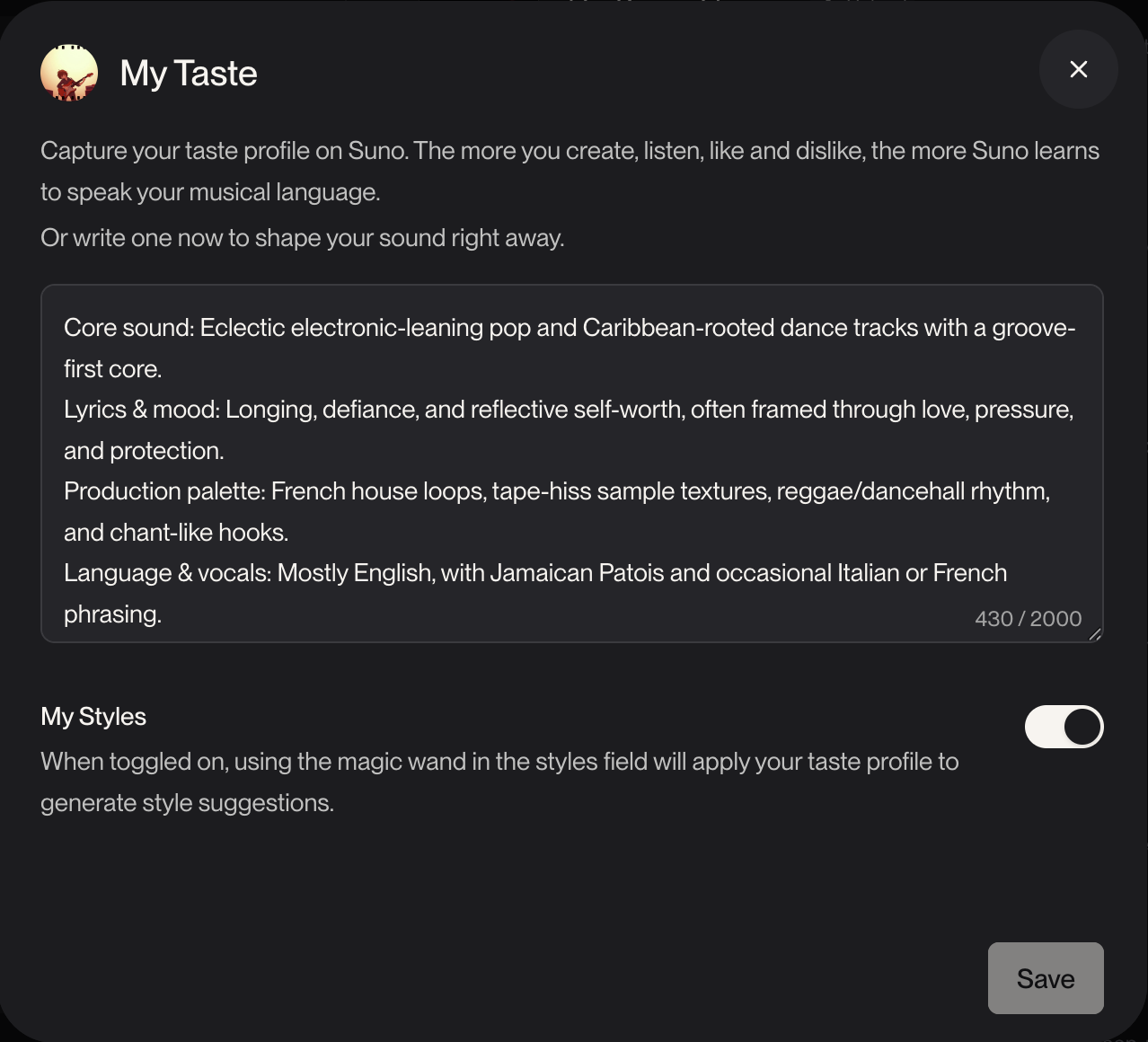
My Taste is enabled by default but you can view, edit, or disable My Taste by clicking on your avatar photo, then choosing My Test from the dropdown menu.