
Using Custom Models
Edited
Suno allows you to create Custom Models based on your songs. Available for Pro and Premier users, you can build up to three models by uploading as few as six songs, and there’s a Bulk Upload function to make uploading a batch of songs easier. You must own the rights to all of the songs you upload to create your custom model.
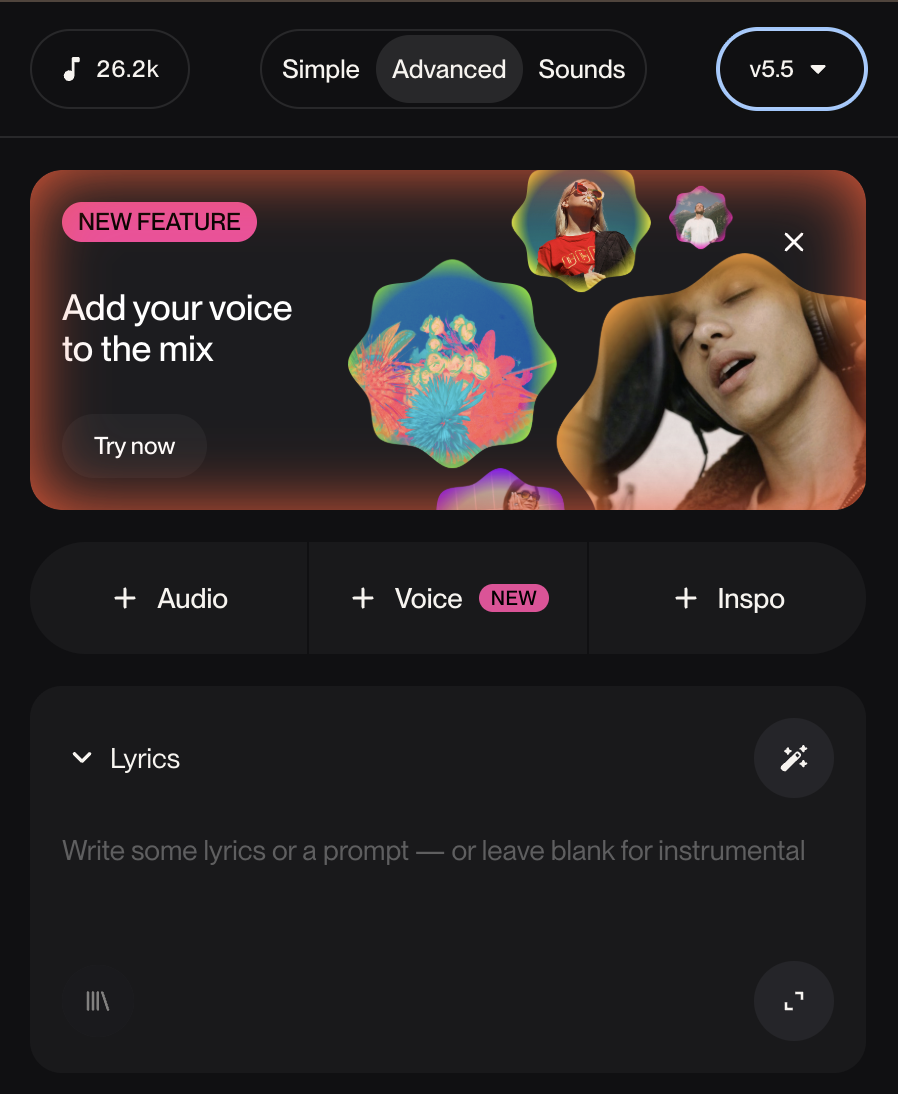
To get started, select Create Custom Model from the model dropdown menu in Create.
Once there are at least six tracks, choose Create Custom Model and Suno will go to work! It should take about 2-5 minutes for your custom model to be ready to use.
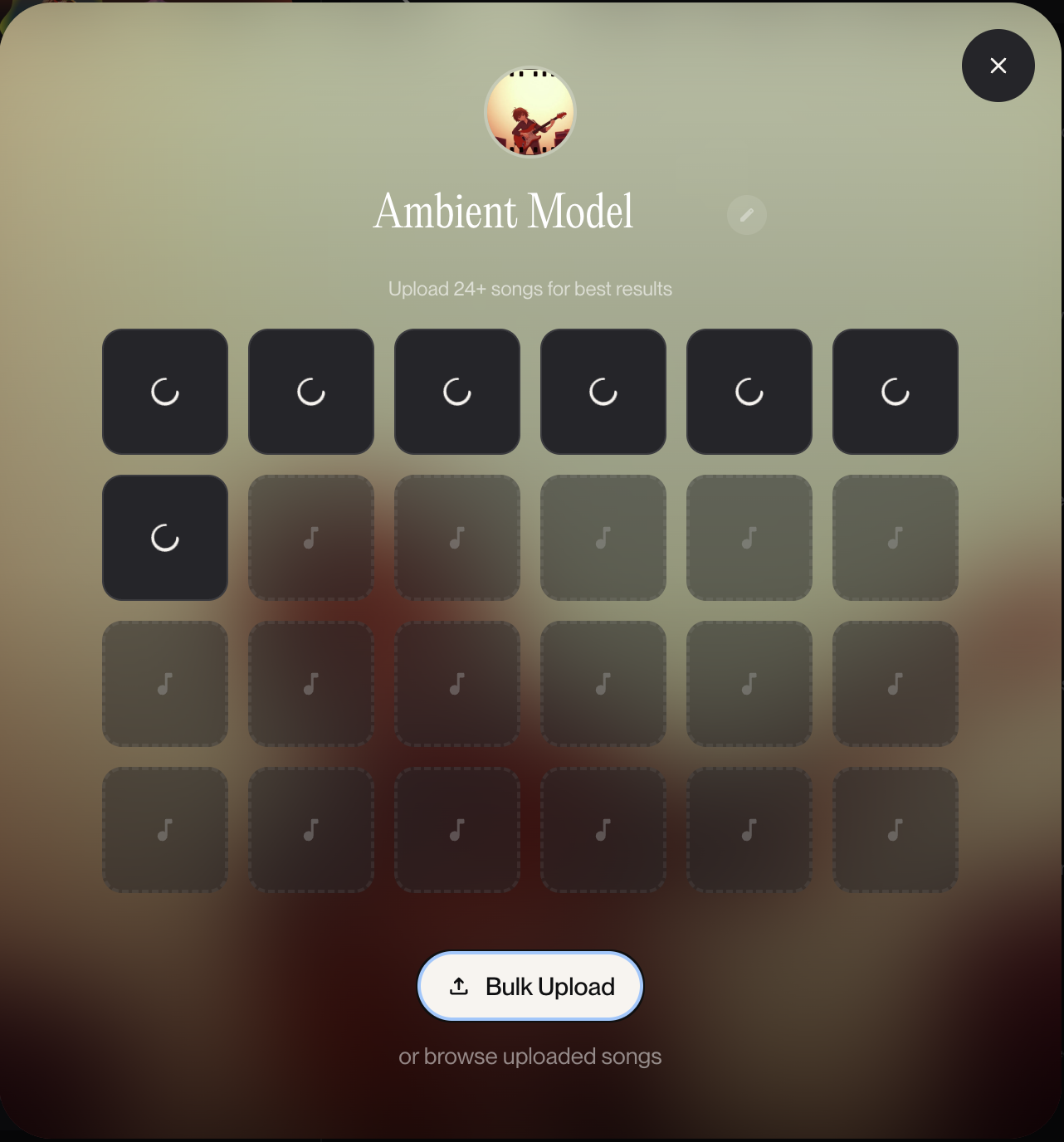
Once it is ready, your new model will be available in the model picker drop-down menu.
Note: Custom Models are private and cannot be shared amongst users.