
Voices FAQ
Does Voices replace Personas?
In the Create menu, the Voices button has replaced Personas. However, Style Personas are still available within the Voices menu, so you can continue to use Personas as you had, while having the newer experience where you can utilize your voice.
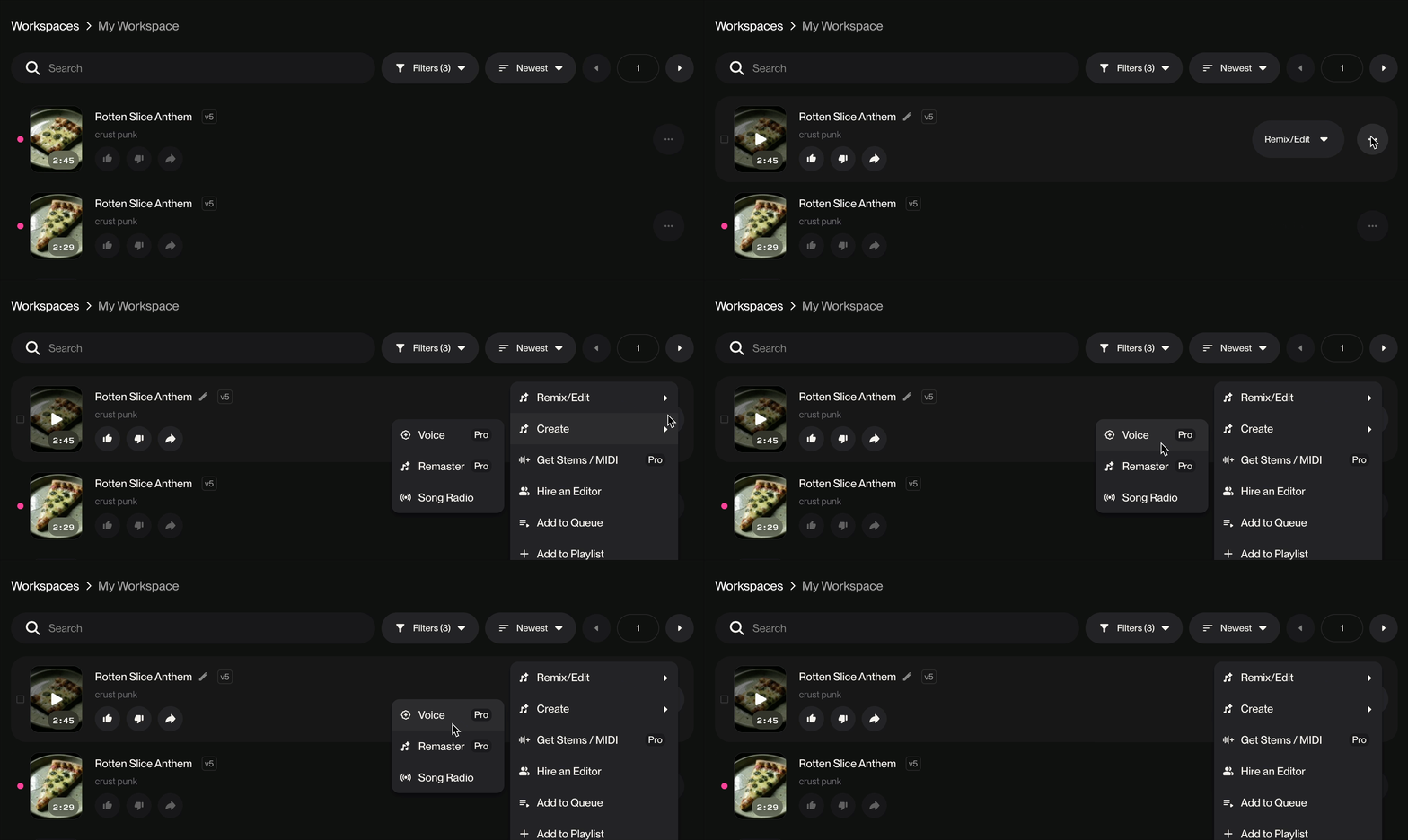
You can still Create a Voice as you would a Persona by going to a song in your library. Select Create > Voice
Can someone cover or remix my songs that feature my voice?
While only you can create with your voice, you can share songs made with your voice on Suno. Other creators can then Remix or Cover them, allowing your voice to appear in their creations. Note that this is only possible if you publish your song or share it via a direct link, and you allow for it to be remixed in the Publish options.
How can I report a Voice?
If you need to report a Voice, you can do so by reporting it directly in the Suno application.
Troubleshooting
Voice verification failed: Make sure you are reading the displayed phrase aloud clearly and in a quiet environment. The system compares your speech to your uploaded vocal recording.
My voice doesn't sound like me: Confirm that model v5.5 is selected in the model dropdown before clicking Create. Other models do not support the New Voices feature. If you find that the songs you make with your Voice don't sound like you, experiment with turning up the Audio Influence slider in the Create form.
• Audio quality issues:. Using a clean acapella recording for your voice profile can also help.
• Why can't I find the option to record or upload my Voice? Some users may not be able to access Voices in their location. We hope to expand geographic distribution in the future. Voices is not available to users under the age of 18.